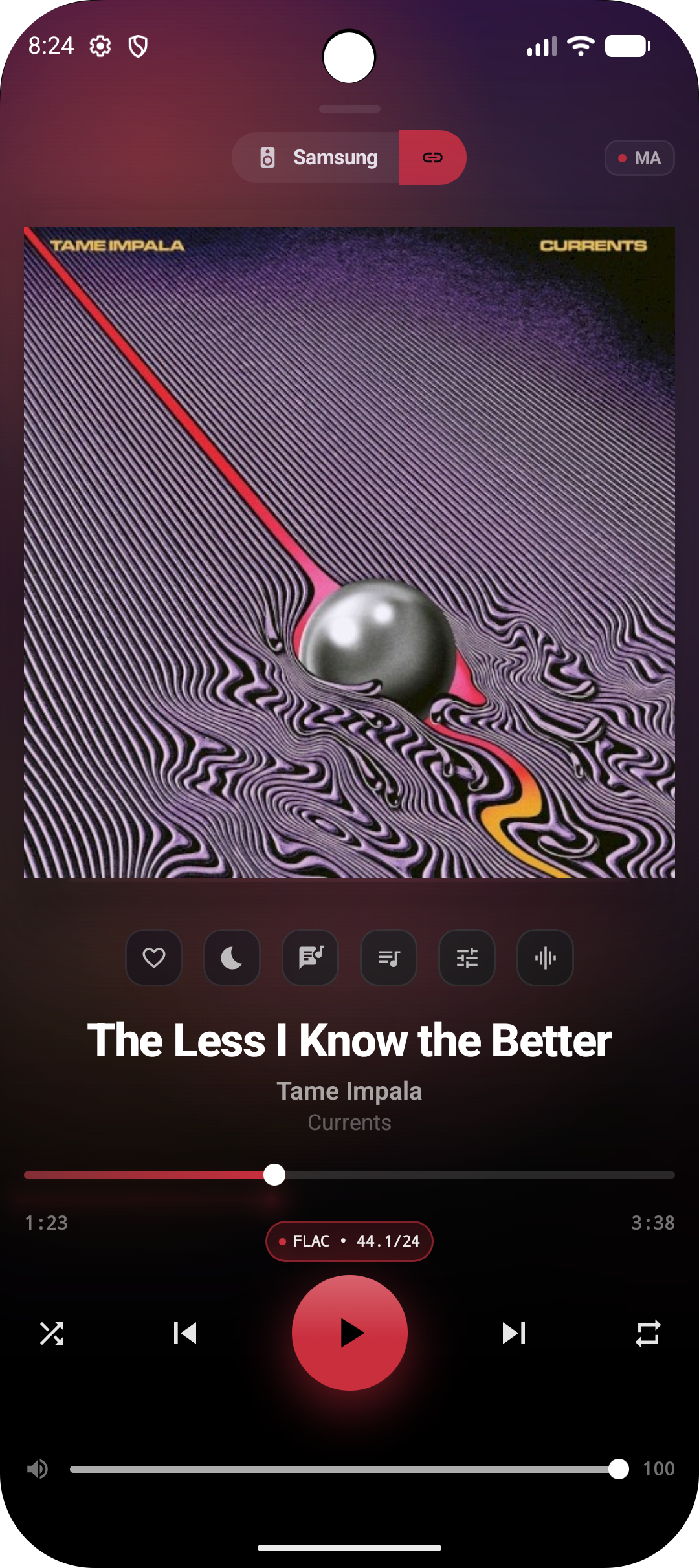
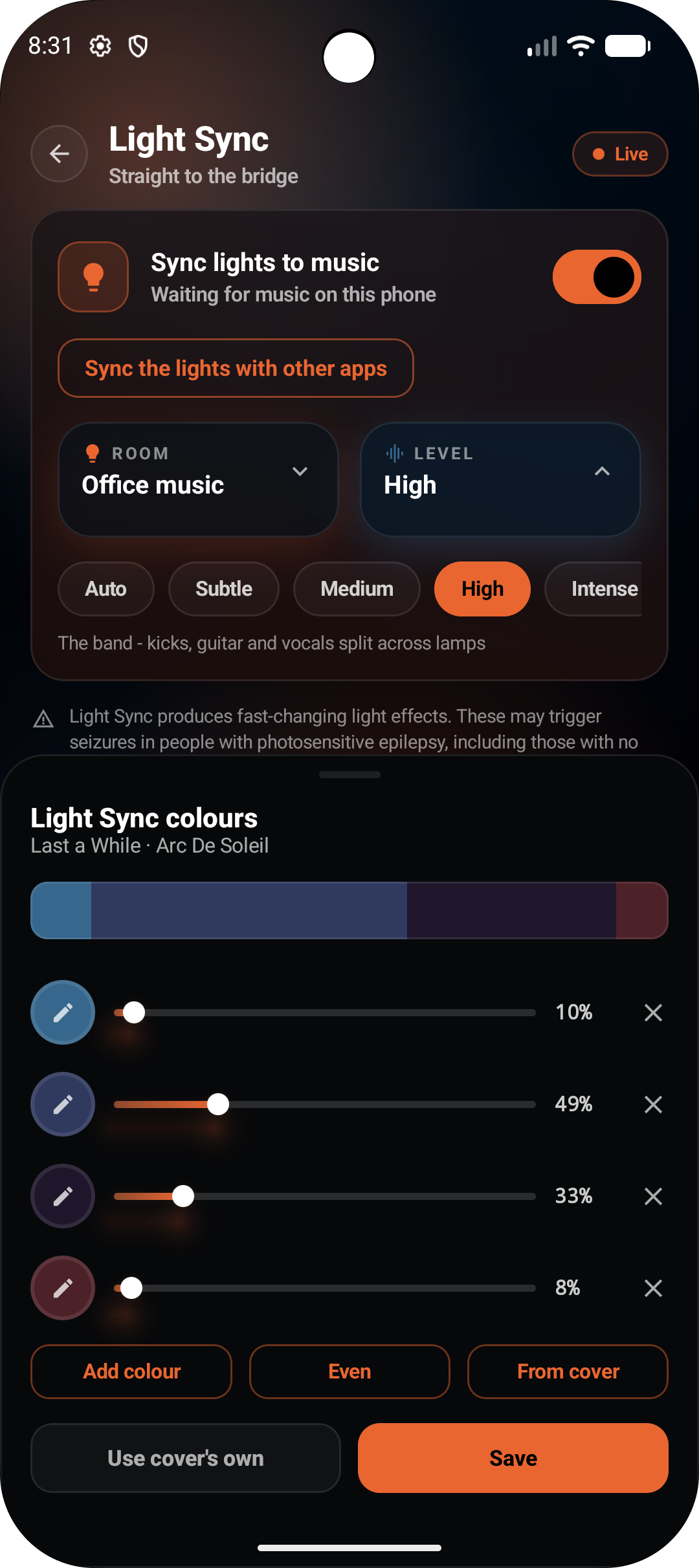
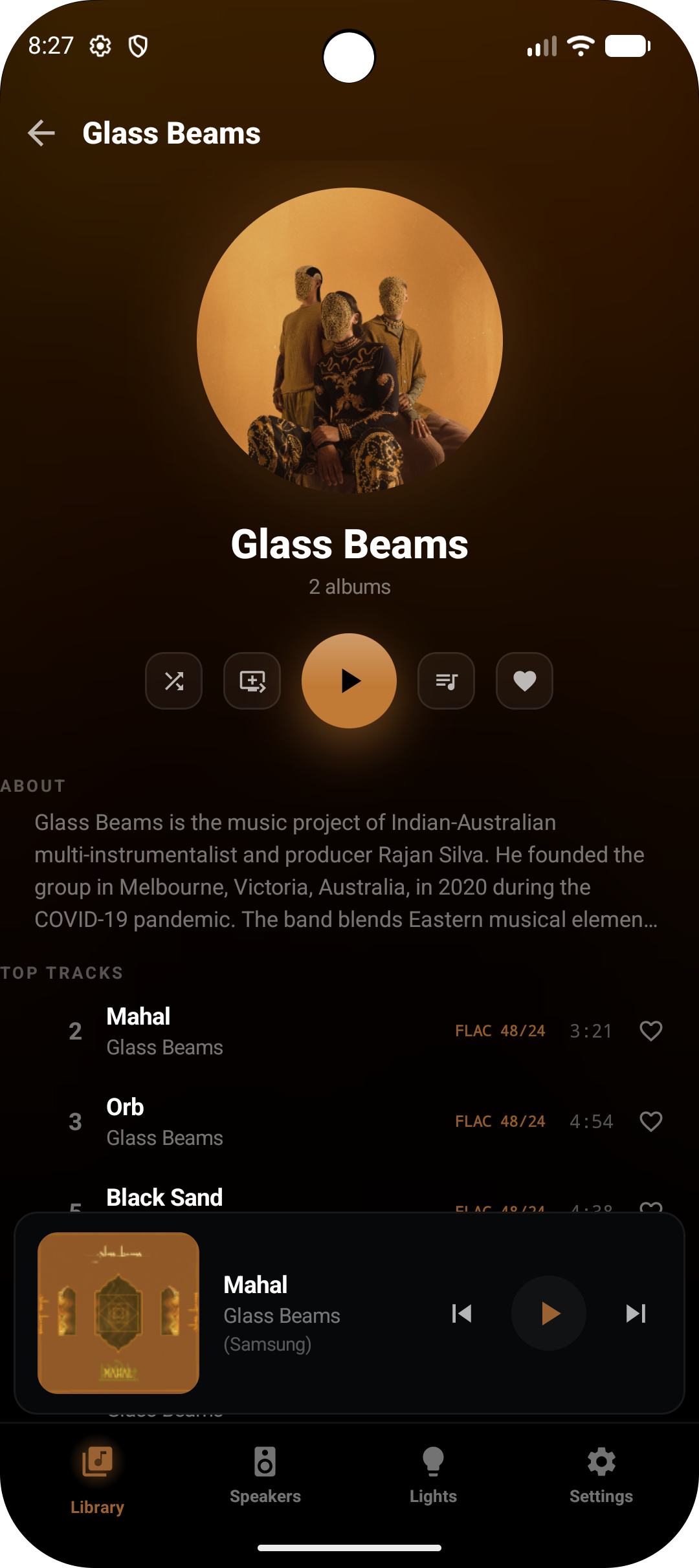
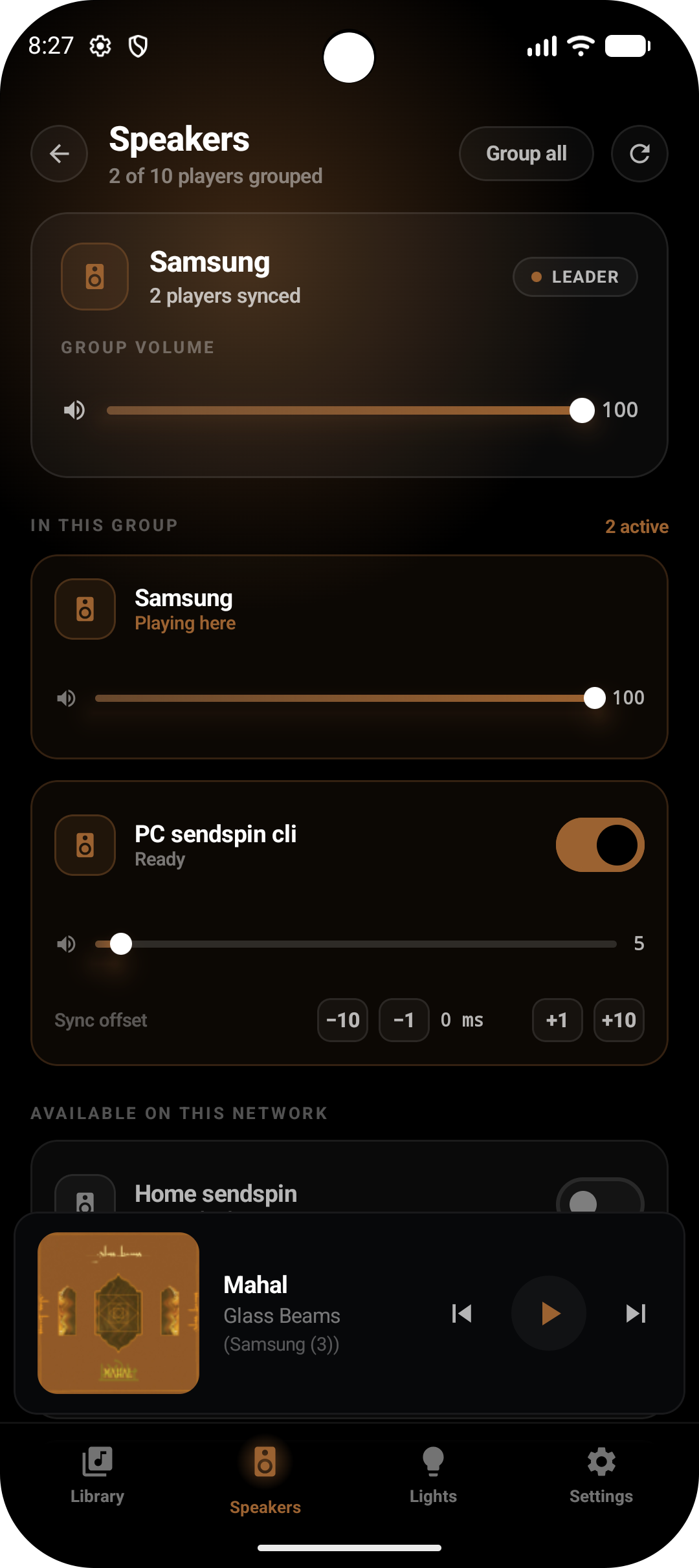
A single ladder that puts you in full control of your signal chain.
Everything on: equaliser, sound modes and volume levelling. What you get out of the box.
We created CAMusic to bring beauty, fidelity, and delight to self-hosted music. Whether your library lives on Navidrome, Jellyfin, Plex, Emby, MPD, Music Assistant, or directly on your phone, CAMusic delivers a bit-perfect audio path when using a DAC and transforms the surrounding room into a responsive visual stage with Philips Hue at 60 frames a second. Running entirely on your local network, it keeps your listening completely private. Built out of passion for great sound and shared freely with the open-source community.
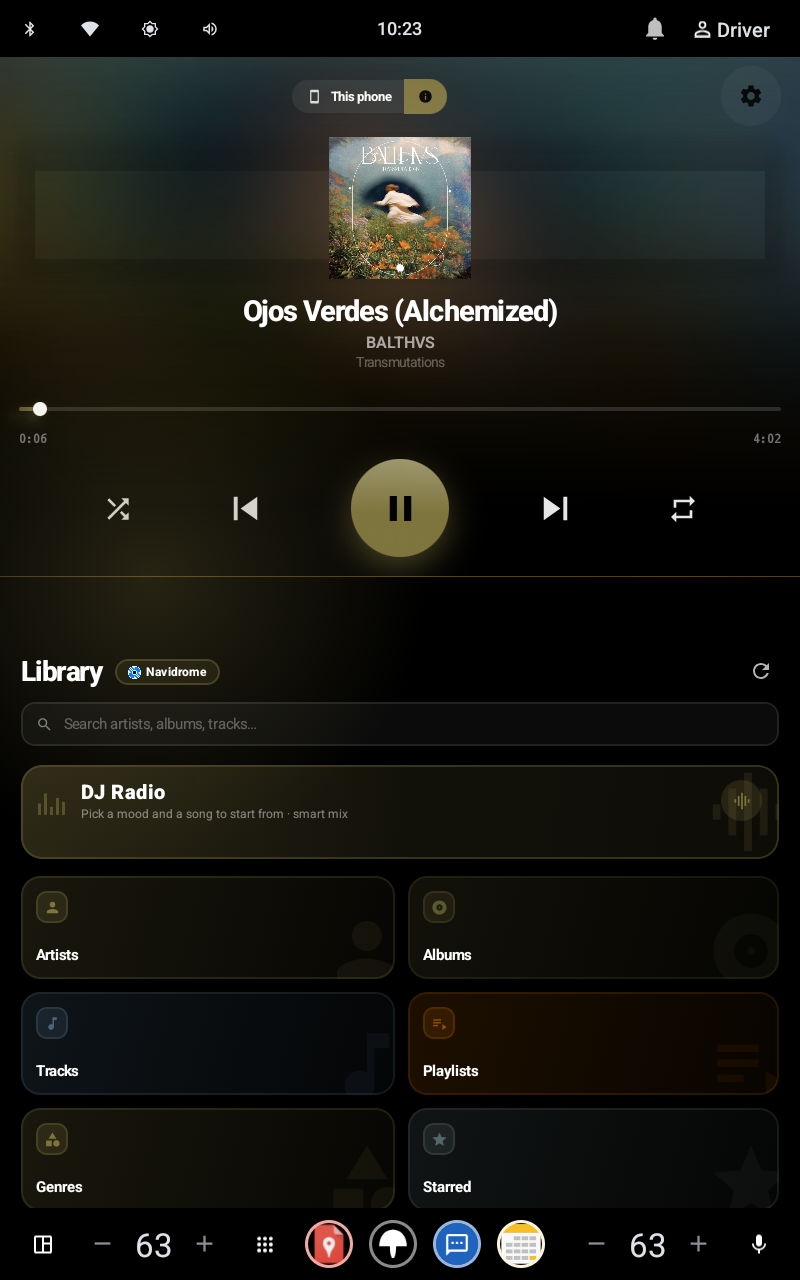
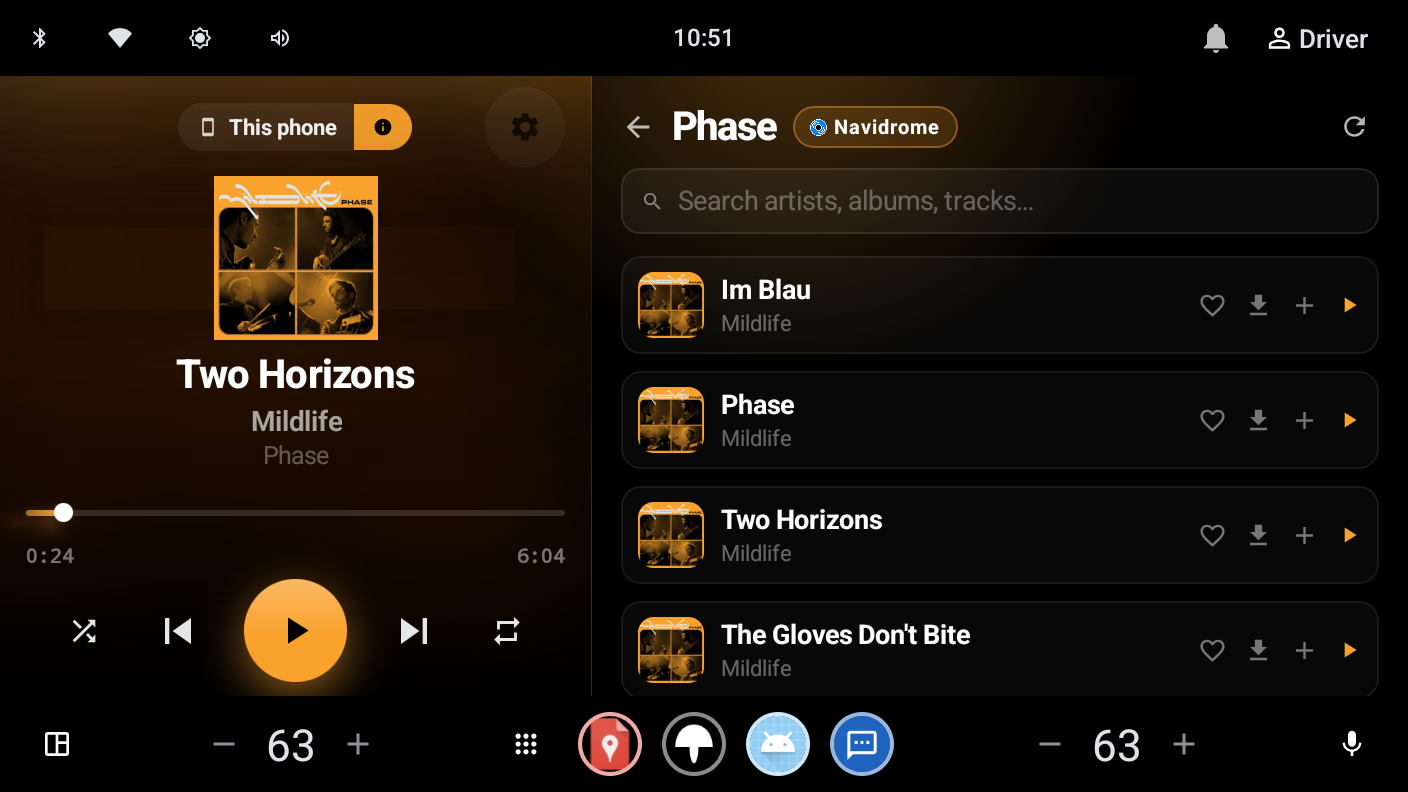
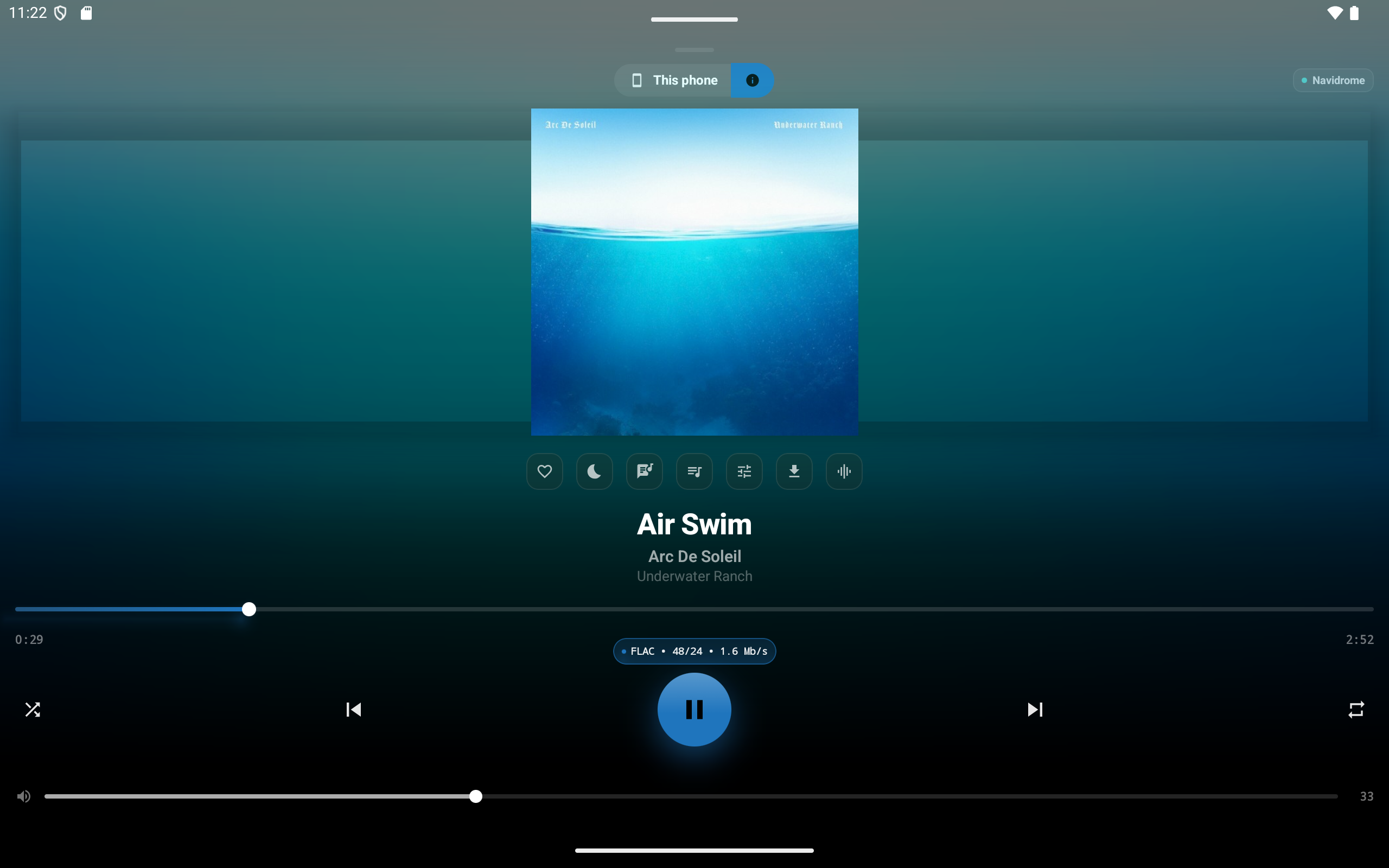
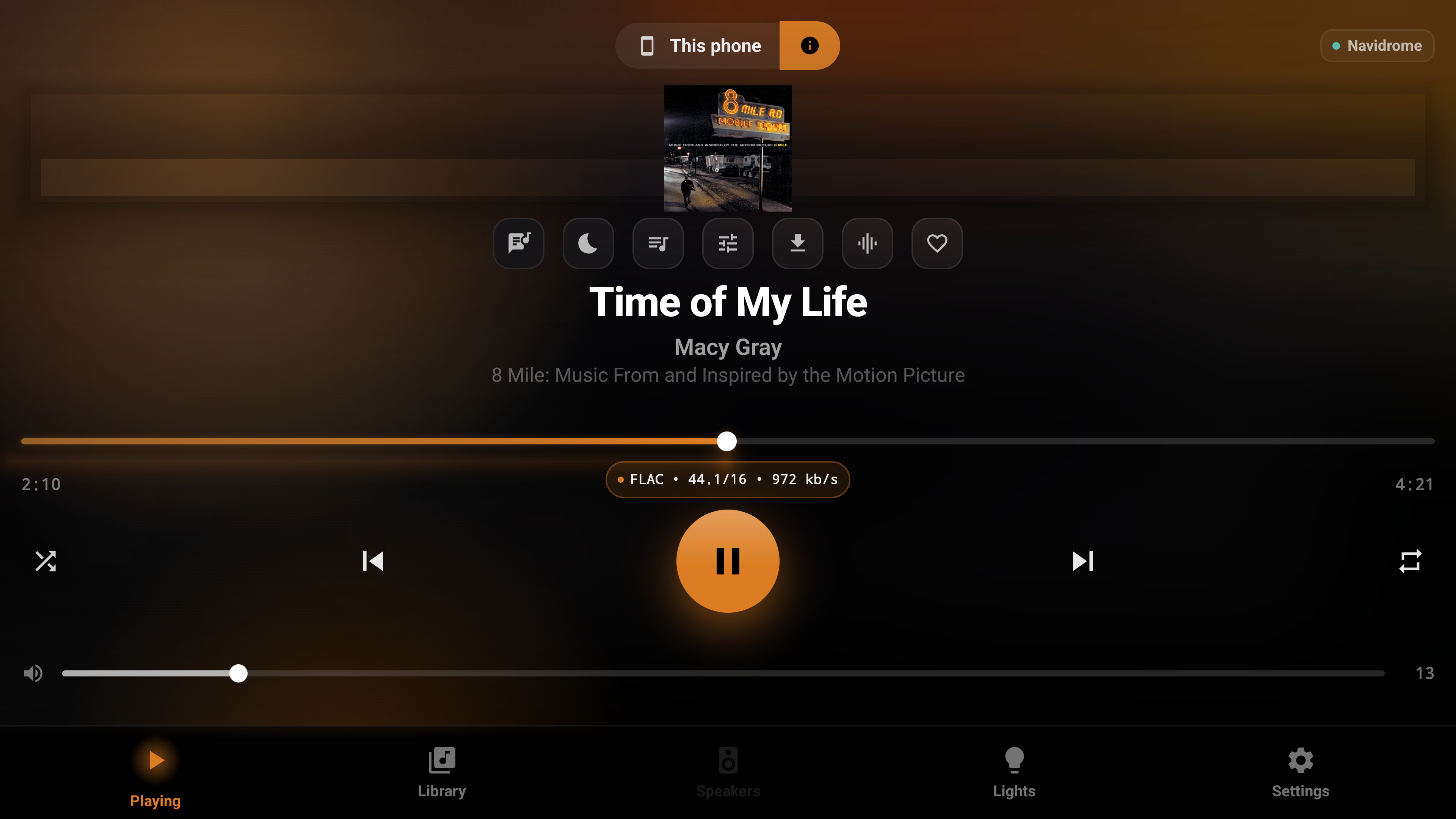
Phone, tablet, Android TV and Android Auto, one APK adapting to each. Sized here in proportion to the real screens, phone to living-room TV.


The room dances with the song, beats land on every lamp, and the colour changes as the track moves into a new part.
A slow, uneven flicker in warm amber. The lamps nearest the floor carry most of it, so the light comes up from below the way a real fire does.
In your home these run on your own entertainment area, so every show knows where your lamps really stand. The app also ships clock, rain and sunrise effects, a beat-triggered fireworks show for parties, and a quiet idle show for when nothing is playing.
Not a video, every frame is computed from the sound, then drawn where your fixtures really stand. Hover any light to see what it is and what it is listening to.
CAMusic and Hue Synco share the same reactive lighting engine. Choose whichever setup fits your listening habits, as both projects are completely independent and run happily alongside each other.
For Android devices, ready to use on its own
For homes already running Home Assistant, working across any speaker
CAMusic connects to all the servers you run, letting you switch between them smoothly with your playlists, favourites, and playback history preserved.
| Server | Browse | Play | Download | Scrobble |
|---|---|---|---|---|
| Navidrome · Subsonic | ✓ | ✓ | ✓ | ✓ |
| Jellyfin | ✓ | ✓ | ✓ | ✓ |
| Emby | ✓ | ✓ | ✓ | ✓ |
| Plex | ✓ | ✓ | ✓ | ✓ |
| MPD | ✓ | ✓ | — | — |
| Music Assistant | ✓ | ✓ | n/a | ✓ |
| On-device files | ✓ | ✓ | n/a | n/a |
| Spotify · Qobuz · Tidal | ✓ | ✓ | — | — |
Streaming services operate through account sign-ins rather than local daemon addresses. CAMusic routes their audio through its internal engine so you can enjoy Light Sync and audio tailoring, with credentials kept securely on your device. All three currently ship greyed in the library picker while live authentication undergoes ongoing testing.
These services offer no official third-party APIs, so each integration talks to endpoints that can change without notice, in the same way Music Assistant integrations do. If a provider changes, the status screen indicates what it cannot connect to.
Each card demonstrates real app logic running live right here. Adjust the controls, test the audio, and see how the system responds.
Everything on: equaliser, sound modes and volume levelling. What you get out of the box.
The file as it was recorded, untouched bit-perfect sound.
CAMusic reads the artwork and extracts the emotional palette the album is about, keeping the room unified and clear. Each lamp holds one of these chosen tones throughout the piece, with brightness and energy moving to the rhythm. Hold Now Playing anytime to swap a colour or weight it by hand.
CAMusic analyses the rhythmic structure of both tracks before the join arrives, so outgoing and incoming beats land together seamlessly. Drag the playhead through the join to see it in action.
The grey line shows what the music calls for, while the orange line marks what your fixtures are permitted to emit. Every frame is verified against safe thresholds before leaving your phone, keeping room dynamics exciting without harsh strobing.
Flick to accent the lamps, rotate to sweep light across the room, and set it down to let the show continue on its own.
Every capability below comes fully built into CAMusic as a complete experience, free for everyone to enjoy.
CAMusic prioritises total clarity over marketing buzzwords. The app inspects and presents the exact sample rate, bit depth, and active processing stages at every point from file to speaker, allowing you to bypass any intermediate processing whenever you want bit-perfect purity.
This readout is a live diagnostic window into your audio pipeline. Whenever Android or an intermediate stage resamples or mixes your music, CAMusic reports the exact transformation and provides a direct path to bypass it.
The equaliser, the DAC ladder, the joins and the scan all have their own demo cards above and below. Every stage between the file and your ears is visible, and every one of them can be removed.
Explore four distinctive features that highlight the versatility of the player: hardware MPD control, whole-home multi-room synchronisation, harmonic set construction, and private listening analytics.
MPD is the one library that plays its own music directly. Every other server hands out a URL per track and the phone decodes it; MPD is already a player, usually on the box the DAC is plugged into, so the phone commands it over protocol port 6600 and the sound comes straight from the server. Press play to watch the command travel.
Transport, queue, shuffle and repeat all address the daemon; ReplayGain is MPD's own, set from the loudness control here. The readouts are the server's live output, not this phone's.
Music Assistant streams to every player you own over Sendspin, and this phone is one of those players. Each client holds the same clock, so the moment in the kitchen is the moment in the study. Press start, then add rooms to watch every offset count down and lock to zero, exactly as it does on physical hardware.
Every Sendspin client holds the same clock: a two-state Kalman filter over an NTP-style four-point exchange, drift correction in native code, and a signed latency trim for a room that still runs early. Announcements duck whatever is playing without stopping it.
These twelve records are from a real library, with the metrics the offline scan measures, such as tempo, key, and per-section energy. Choose a curve and the Set Builder orders what you gave it into that shape, choosing keys and tempos that mix harmoniously wherever there is a choice. No audio plays here; this is the ordering, live.
All metrics remain strictly on your device, calculated by a scanner running locally over your own play history. Select any chart to see it rendered directly from real records, exactly as the app draws yours.
The shareable poster, as the app draws it: the window you pick, measured on your phone.
Driving mode and Android Auto are dedicated parts of the app. Both keep your music front and centre while adapting smoothly to vehicle displays.
Picture-in-picture by default, with an optional full-width overlay activated by your vehicle's Bluetooth connection. An embedded SQLite database containing 471,569 geohashed speed zones provides offline speed-limit awareness across Victoria, Australia using on-device GPS, functioning completely without mobile data.
Large targets, swipe anywhere. The tolerance above the limit is yours to configure, and alerts dismiss smoothly the moment you are back within speed boundaries, with the zone already stored in local memory.
A full browse tree over every configured server, search and voice, cover art served through a protected address so credentials never leave the phone. Adjust the options, and the car interface updates to match Settings › Driving & Android Auto.
Which libraries and shelves reach the car, and in what order, is per-server. A track tapped in the car always plays on this phone, and for a Music Assistant track the speaker selection moves here too, so the car's transport buttons address the player it just started. On a head unit with the app built in, a two-pane layout puts player and library side by side.
Everything is optional and independent, add only what your home needs.
The behaviour that surprises people, written down. Open any of them.
If the Hue app or another client takes control of the entertainment area, CAMusic hands over the stream and pauses playback cleanly. A second client attempting to stream simultaneously degrades both lighting experiences. Playback resumes whenever you choose via the stop and start controls.
Spotify, Qobuz and Tidal ship with the client and source code landed but greyed in the picker, because none of the three offers an official third-party API. Each communicates with provider endpoints that can update over time. If a provider changes, the status screen indicates what it cannot connect to, and updates typically follow shortly upstream. Qobuz currently asks for app credentials alongside your login, and Spotify requires a Premium subscription for streaming access.
Music DNA reads a local track scan, covering beats, key, and sections, which requires direct file access. When receiving an active stream from Music Assistant, the visual show continues smoothly using live audio analysis instead. Remote speakers receive their lighting choreography from offline track scans, the same method used by MPD.
Music Assistant's configuration field is unsigned, so a phone needing earlier arrival than other speakers cannot express that value there. Use CAMusic's signed latency trim in Settings › Player, which adjusts in both directions and is applied directly by the Kalman filter.
The signing key has remained stable since the initial release, so newer APK releases install directly over existing versions while preserving your settings. You can download release builds directly from GitHub Releases.
The upcoming development queue, in the project's words, as ordered there today.
Philips Hue hardware is only required if you wish to use the real-time lighting synchronisation features. The core music player, 10-band equaliser, audio format inspection, offline downloads, and multi-room streaming work wonderfully on their own without any smart lighting hardware.
Free in every sense: completely free of charge, free from advertising, free from trackers, and published openly under the Apache 2.0 licence. Every feature is available to all listeners from day one. CAMusic is created as a genuine gift to the open-source community to showcase what a focused, dedicated music player can be.
Your listening habits belong strictly to you. CAMusic communicates directly with your own servers on your private local network and with your Hue bridge. The app maintains zero external telemetry, requires no third-party account registration, and stores all analytics and credentials locally on your hardware.
Yes, this is precisely what CAMusic is designed for. Whether your music resides on a home NAS running Navidrome, Jellyfin, Emby, Plex, MPD, or Music Assistant, the app connects seamlessly, streaming high-resolution audio, synchronising play status, and downloading tracks for on-the-go listening.
Community involvement is warmly welcomed. The entire codebase is available on GitHub under Apache 2.0. Whether you wish to contribute bug fixes, enhance lighting visualisers, add new backend connectors, or adapt the player to unique hardware, the project is open for exploration and collaboration.
A geohashed SQLite database of 471,569 speed zones across Victoria, Australia ships inside the APK, using an R-tree index for instant offline lookups. The alert works reliably in airplane mode with GPS as the sole reference.
They play directly on this device through the internal audio pipeline, with the equaliser, sound modes, and Light Sync engaging as normal. Each integration remains experimental while live authentication undergoes ongoing testing, and your credentials stay stored locally on the phone.
Yes. It registers itself as a Sendspin player, decoding FLAC, Opus, and PCM through MediaCodec into a native Oboe audio engine with its own clock-synced timeline. In a synced group, drift correction runs in native code, and a signed latency trim in Settings › Player covers output paths that run ahead of or behind the room.
A full browse tree across every configured server with voice search, album artwork on rows, a configurable layout under Settings › Driving & Android Auto, and playback that always directs through this phone. On vehicle head units running Android, the app installs directly and offers a side-by-side library and player layout.
CAMusic was born out of a desire for a private, beautifully responsive music player that treats sound and room ambience with equal reverence. Rather than keeping it closed or monetising it, we share it freely with fellow music lovers and self-hosters everywhere. Free to download, free to explore, and free to build upon forever.
Published under Apache 2.0 for the open-source community.